
Lecture subtitles, automatically
Upload a lecture recording and get accurate captions back in minutes — accessibility-ready and easy to refine. Publish to your video platform or LMS, or export caption files anywhere.


The easiest way to subtitle lecture recordings
Every recorded lecture has students who watch it on mute in the library, replay it at double speed, or follow it in their second language. Randi turns a recording into a subtitled video where you can fix terminology and style the captions — so every student can follow along, and your accessibility obligations are covered without an AV team.lecture-04-research-methods.mp4English
Everything we cover today builds on this one chapter.
70+ languagesHigh-quality translationAccessibility-ready captionsTeam workspacesGlossary for academic termsSRT, VTT or video exportAuto-save to your cloud
Subtitle your lectures faster with our integrations
Google Drive
Dropbox
OneDrive
SharePoint
Box
Amazon S3
Google Cloud Storage
Slack
Webhooks
Google Drive
Dropbox
OneDrive
SharePoint
Box
Amazon S3
Google Cloud Storage
Slack
Webhooks
This is how you do it
Step 1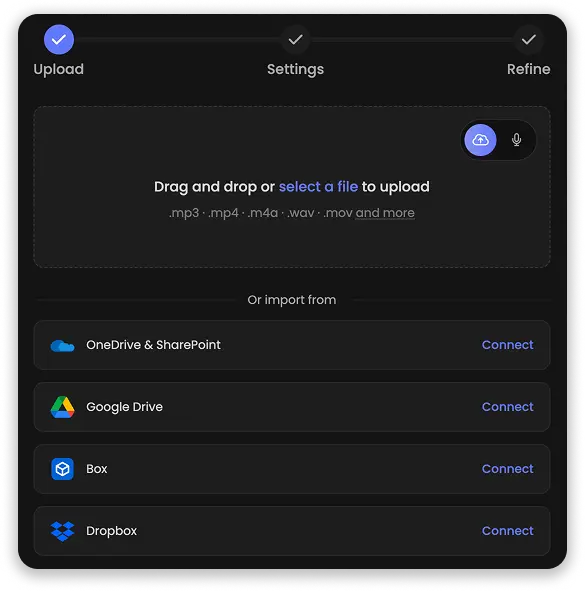
Upload your lecture
Drag in the recording from your device, or import it straight from your cloud storage. Randi transcribes the audio and drafts the captions automatically.Step 2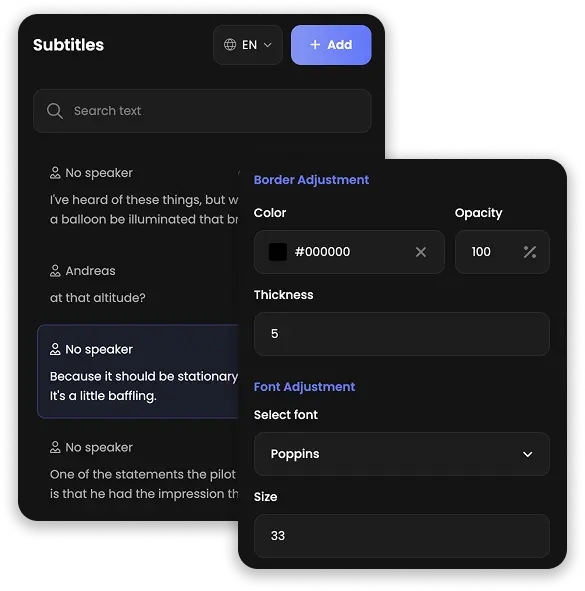
Review and refine
Fix any terminology, label who is speaking, and style the captions so they stay readable on every screen. Each change previews live on the recording.Step 3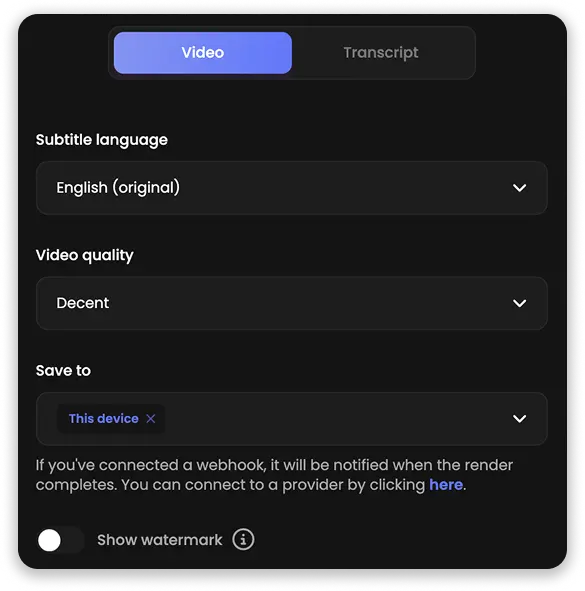
Export and publish
Download SRT or VTT files for your video platform or LMS, or export a finished video with captions burned in — ready wherever students press play.Two powerful ways to edit lecture captions
Fix a line in the video view while the recording plays, or clean up the whole lecture as text. Every recording gets both: a visual editor with full control over styling, and a text view where a ninety-minute lecture reads like a document you can tidy in minutes.
Turn one lecture into study materials
Chapters for every topic on the syllabus, a summary for the course page, and Q&A drawn from what was actually said in the room — all generated straight from the lecture's transcript with Randi's AI Content tools, ready to share with your students.Captions every student can read
Pick fonts, sizes and colors that stay readable on a phone at the back of the auditorium or a laptop in the library, and preview every change live on the recording. Export lectures with the style burned in, or as clean caption files for your platform.Creative video editorCustomize caption styles and enrich recordings with images, audio and highlights — all in an editor made for educators, not video professionals.
TranslationTranslate lecture captions into 70+ languages and let the same recording serve every international cohort — without re-teaching a single class.
AI content generationTurn every lecture into summaries, Q&As, chapters and highlights — study material generated straight from the captions, ready to paste anywhere.
IntegrationsImport recordings straight from Google Drive, Dropbox or OneDrive, and get every finished export dropped right back into your cloud storage.
Flexible editing viewsSwitch between the visual video timeline and a focused text view, and edit a full lecture's worth of speech like a document whenever that is faster.
Security firstOur language models run on closed servers inside the EU — recordings are never shared with third parties and never used for model training.